Design Repository
The Department of Fisheries & Oceans (DFO) needed a unified design resource for their designers, developers and product teams. This is how I worked with my team to help them find a way forward through the chaos.
ux designer & Researcher | Web app design | sEPT. 2023 – APRIL 2024
The Problem: Too many design resources!
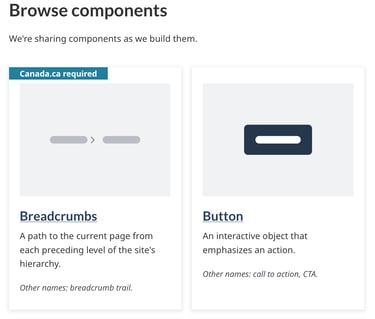
The DFO did not have a designated design library. As part of the Federal Government, there were various government design libraries they could reference, but none were designed to suit the DFO's specific branding and business purposes. As result, product teams were pulling from design libraries such as:
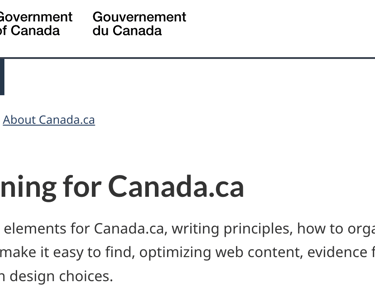
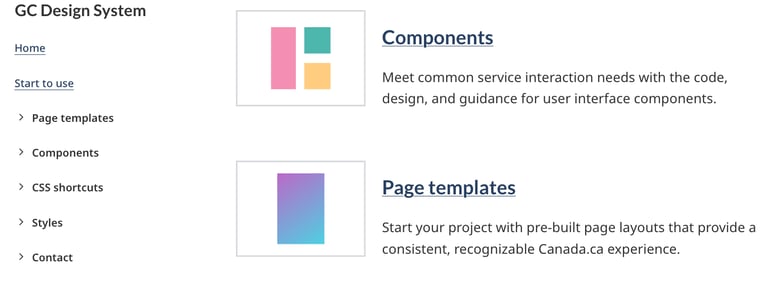
Canada.ca Design System
Canadian Digital Services
Canada Revenue Agency
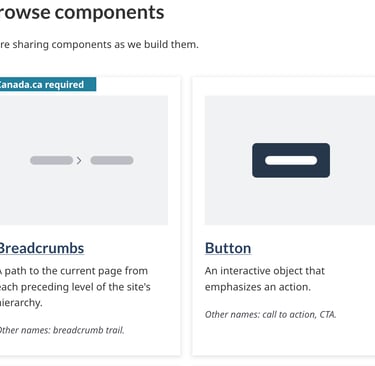
So what now?
The first step in my design process is understanding the needs of the people I'm designing for. Over the course of several interviews, I helped develop three main personas.
The lack of design maturity and clear guidelines was confusing for everyone!
The key takeaway?
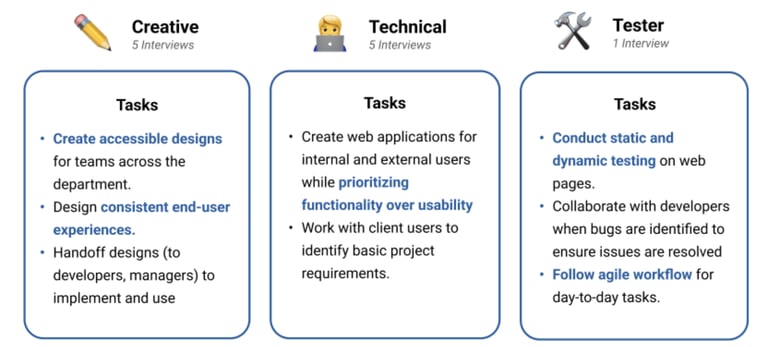
Let's identify where we can optimize the user journey...
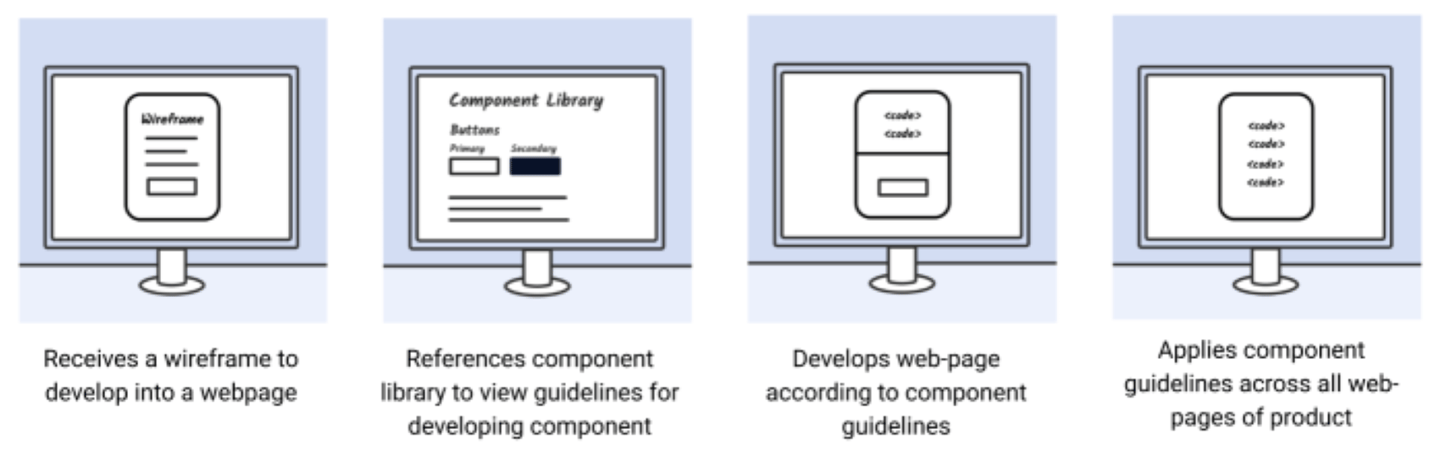
We know DFO employees are getting overwhelmed by the lack of clear guidelines and numerous design resources in Government. Now we need to identify where we can remove this confusion in their current workflows.
Time to make some storyboards!
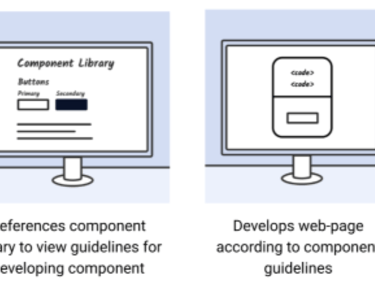
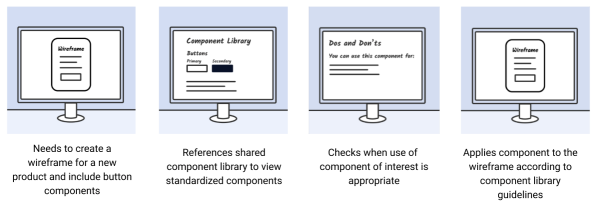
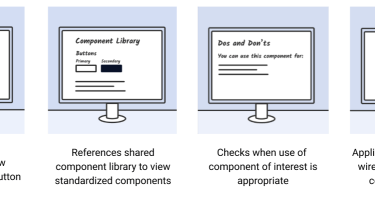
I created two storyboards to outline optimal workflow for two different types of DFO employees: developers and designers.
The Developer User Journey
The Designer User Journey
The clear opportunity:
These employees would benefit from a unified system that can provide them with guidance and clarity on how to create consistent products. Based on discussions with our participants and stakeholders, the best way forward is to develop a design repository.
Designing the System
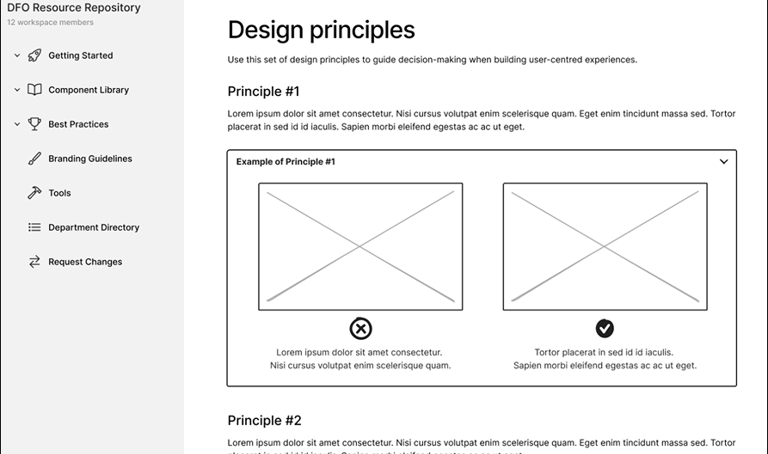
This is where the fun happens– we started with some low-fidelity wireframes to get flesh out our initial ideas.
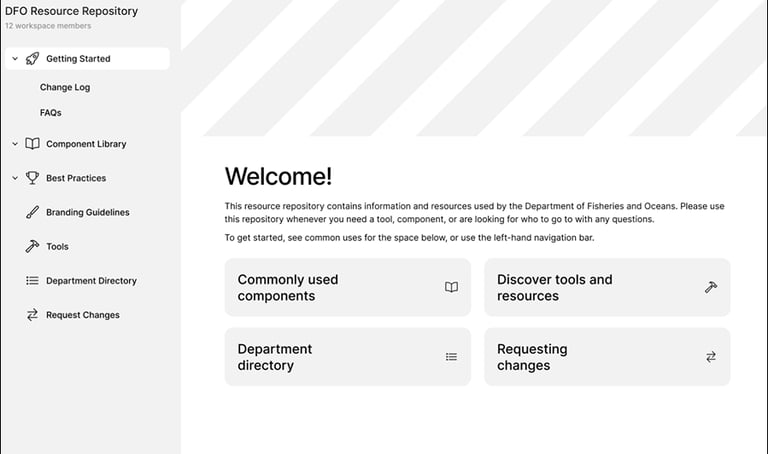
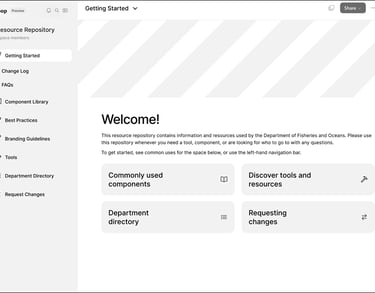
A low-fidelity wireframe of the design repository’s landing page.
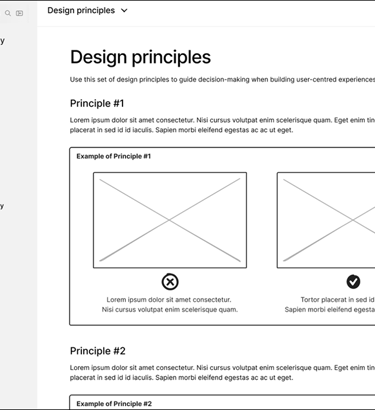
A low-fidelity wireframe of the design repository’s “Design Principles” page.
Testing in 3...2...1...
Moderated usability testing with six participants – including designers, developers and QA testers – yielded some useful results. We provided our participants with tasks to complete with the low-fidelity mockups and found that:
71.93% Overall Success!
Tasks involving pages such as Request Changes, Directory, Branding Guidelines, and Component Library pages had the most success.
14.04% Partial Success.
Additional guidance was needed when navigating Best Practices and Accessibility page/content– in other words, we had work to do.
14.04% Overall Failure.
Understanding and navigating to the General Best Practices page had lowest task success rate. This was an important insight– this user flow needed a lot of fine-tuning!
Unmoderated mid-fi testing
We implemented testing feedback and adding visual styling to upgrade our mockups to mid-fidelity.
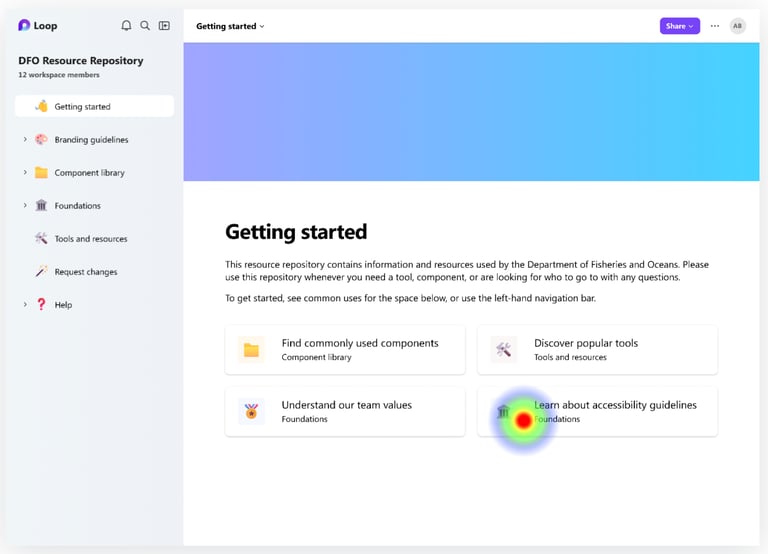
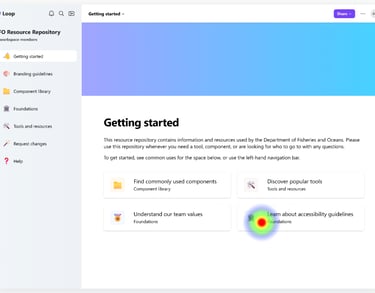
Using Maze, we invited seven participants to complete unmoderated user testing so we could measure where users click, how much time they spend on a page, the paths they take to reach a goal (direct, indirect, or failed), and more.
This helped us identify how effective the position, labelling and functionality of features are on the page. For instance, the quick links on the Getting Started page was used by most participants to find accessibility guidelines. This informed us that users may benefit from having access to commonly-needed features in the design repository through quick links.
Let's wrap up with a high-fi product!
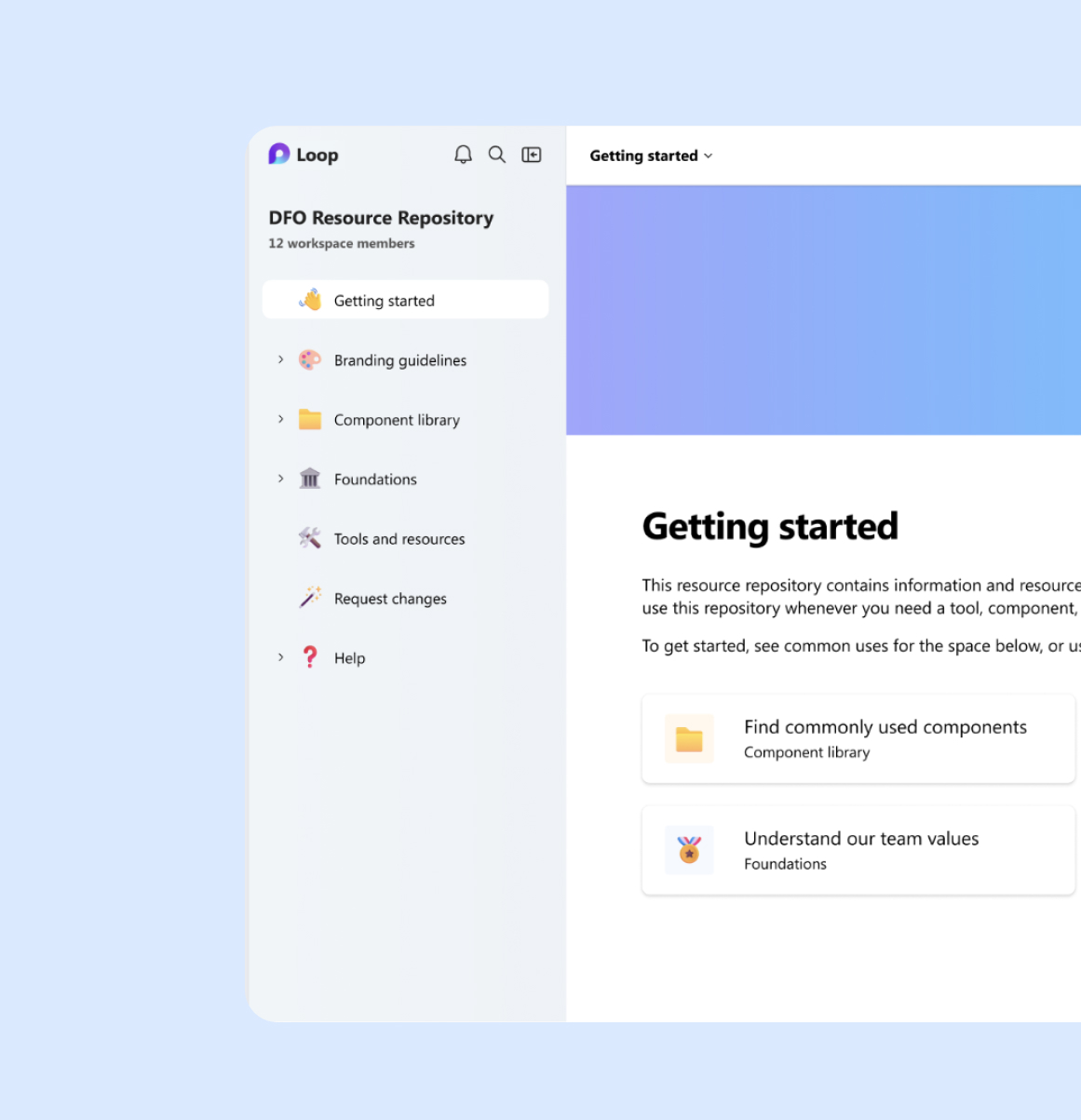
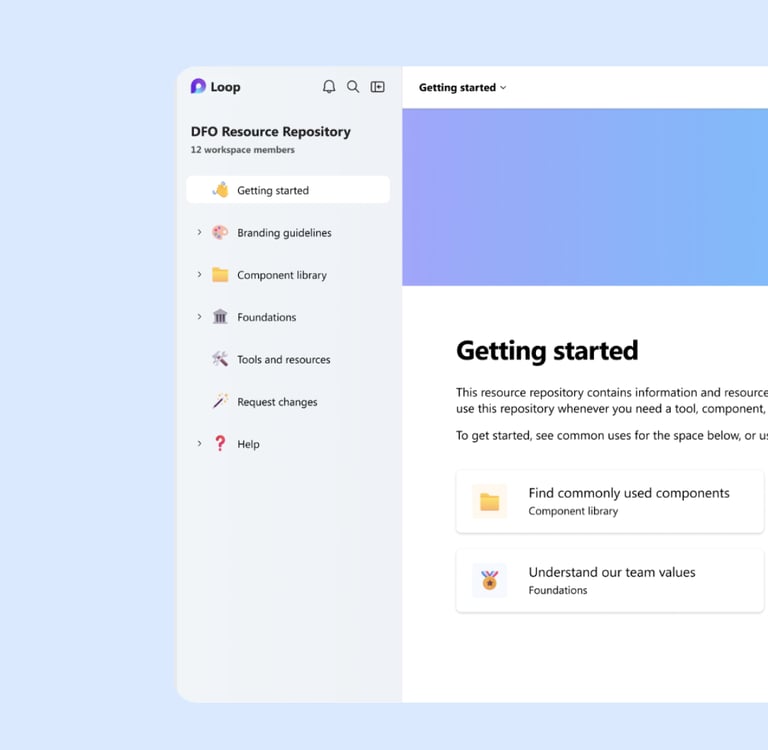
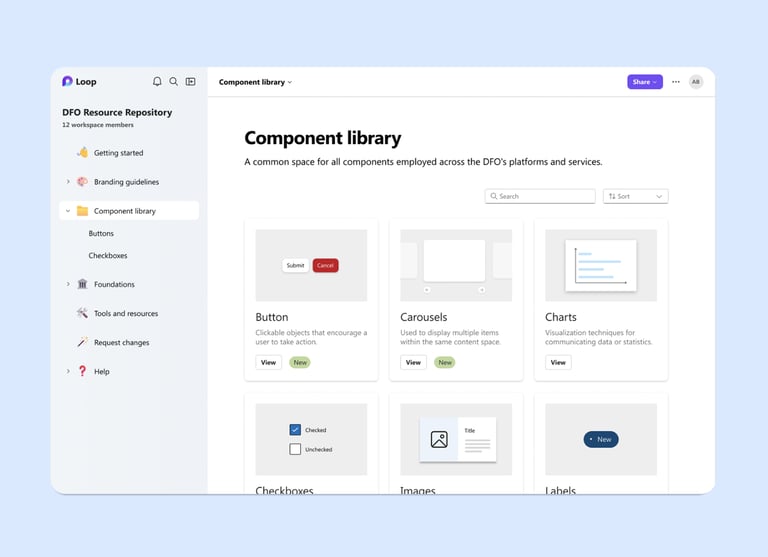
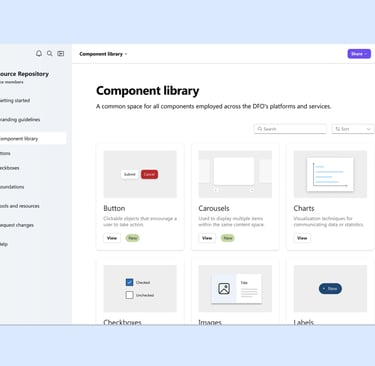
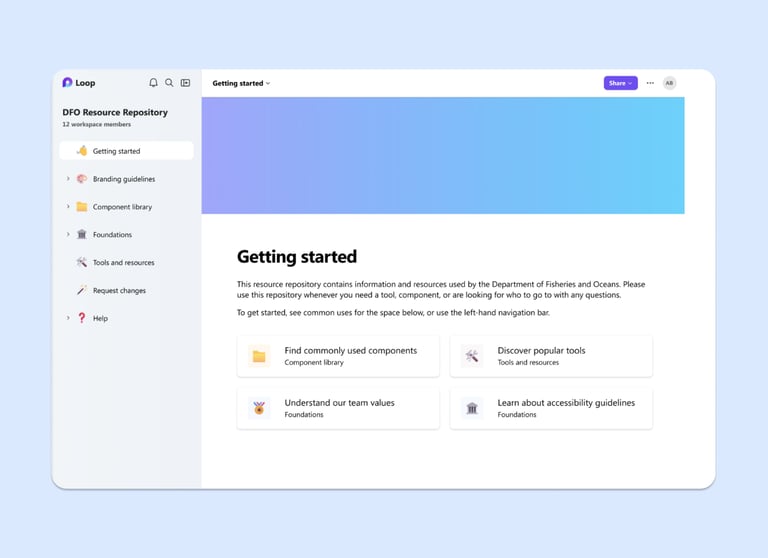
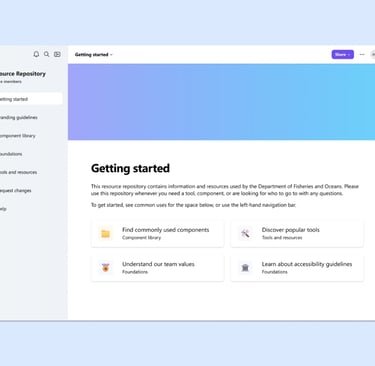
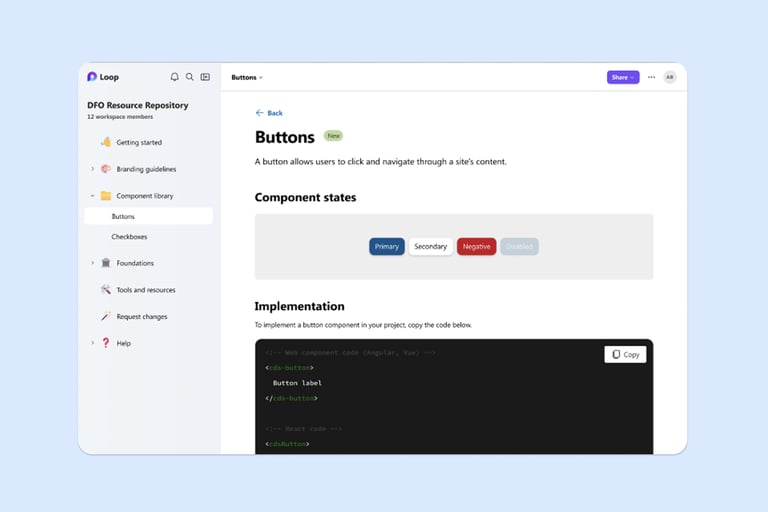
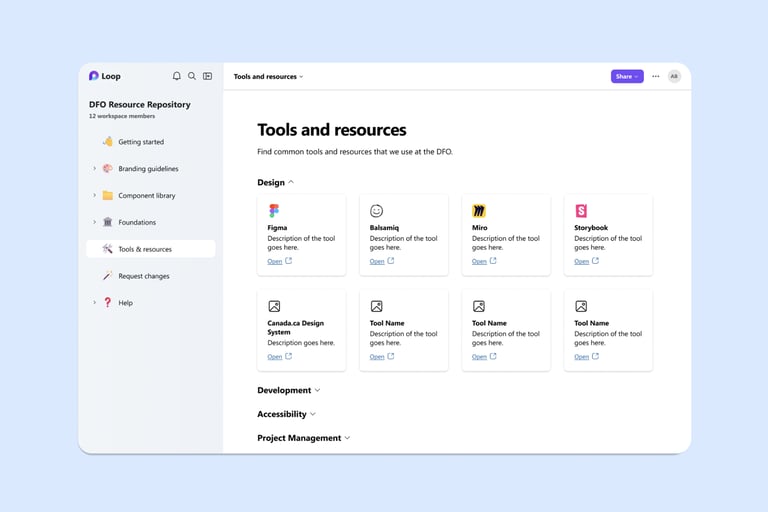
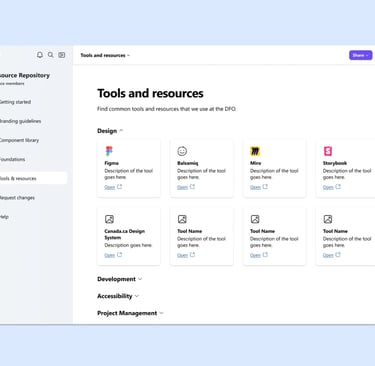
Before the curtains close, let us present our grand finale. Here is the final product – a Design Repository for the Department of Fisheries and Oceans.
Lessons learned...
This project demonstrated how consistent user research can help me deliver digital products that are responsive to users' needs. Having said that, if I were to do this project again, I'd be interested in exploring opportunities to leverage co-design. I believe there is an opportunity to engage with others outside the project team – such as the Department's employees – from earlier in the design cycle through co-design methods. Stay tuned to the next project where I apply this finding and implement co-design into my process!